Skip to content

Adviser

Comprehensive Documentation Hub​

One searchable home for tNavigator manuals, 200+ tutorials, release notes and demo data — with one-click access from inside every module.

Answers Where You're Working

Adviser is tNavigator’s centralised documentation and learning platform, giving every user one-click access to manuals, tutorials, release notes and demo data – searchable from inside the software or online. Instead of hunting through separate PDFs, Adviser puts calculation-specific documentation one click away from wherever you are in tNavigator.

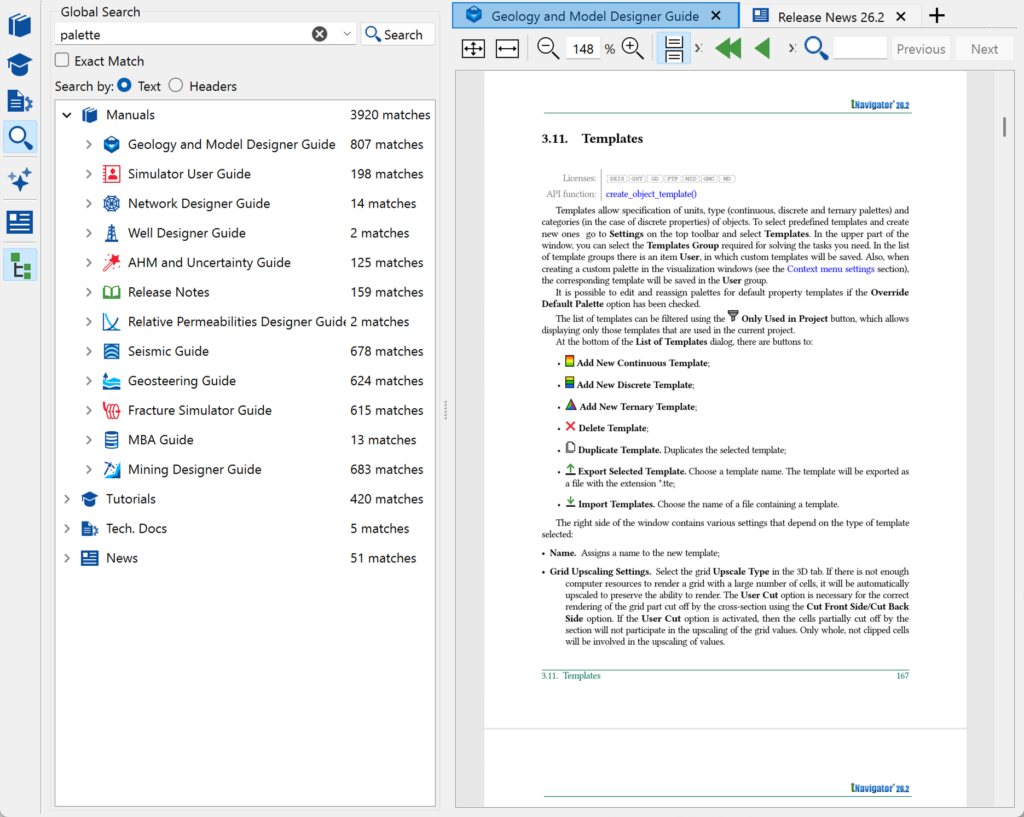
One Search, Every Module

A single global search spans manuals, tutorials and release notes across every tNavigator module, so finding the right answer doesn’t mean knowing which guide it lives in first.

  • Accessible from every module.
  • Keeps documentation and tutorials aligned with the version you’re running.
  • Supports onboarding across every domain profile — geophysics, geology, reservoir engineering, mining and production technology.

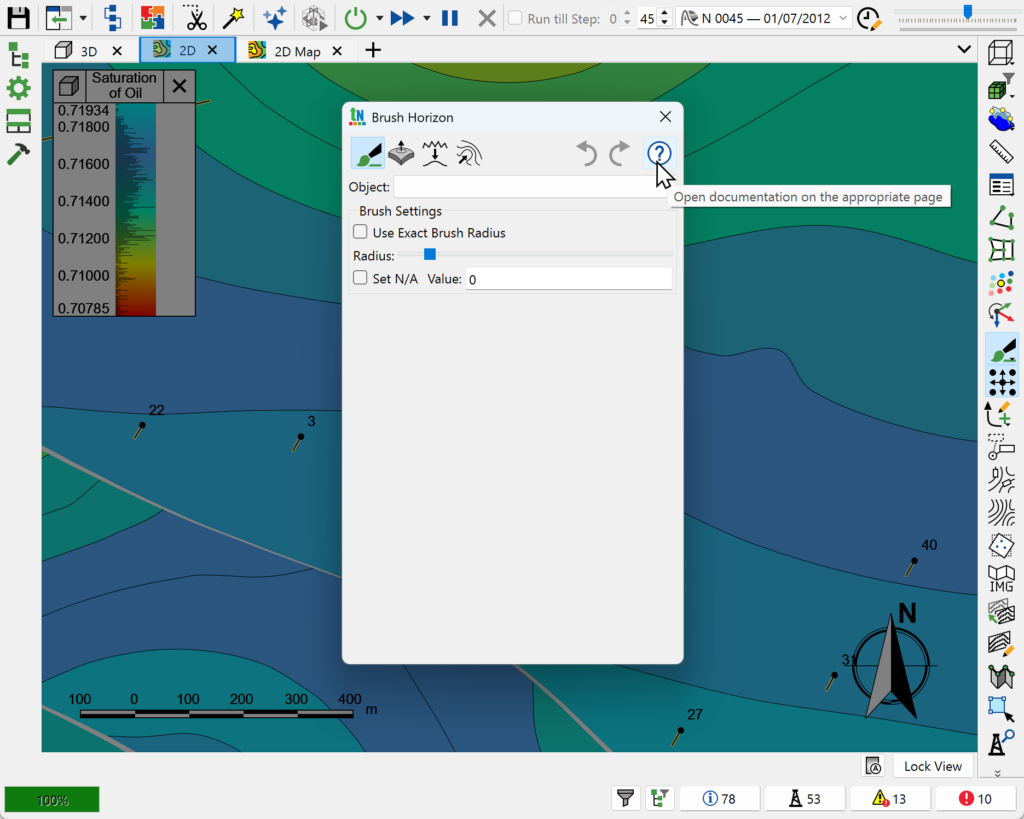
One-Click, Context-Aware Help

Open documentation for the exact calculation or dialog you’re working in, without leaving tNavigator or searching a separate website.

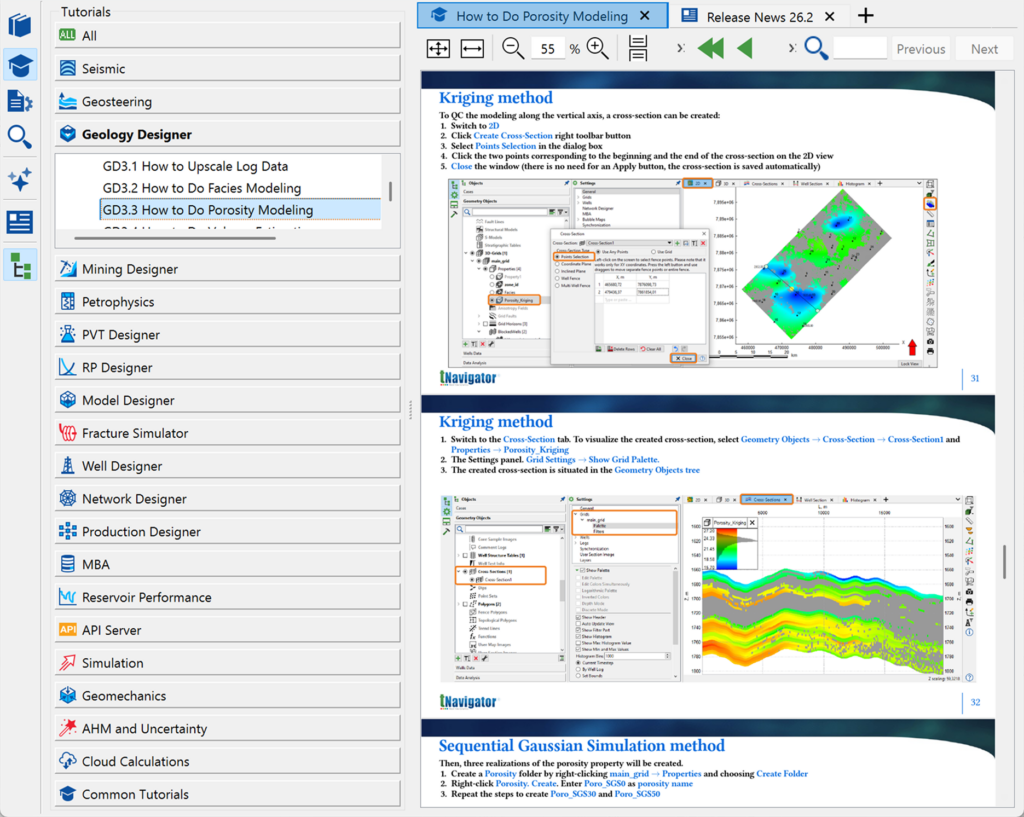
200+ Guided Tutorials

Work through step-by-step tutorials covering workflows across seismic, geology, simulation, PVT design, fracture simulation and beyond.

Latest Updates

Review release-note presentations to see what’s new in each tNavigator version, so your team’s knowledge keeps pace with the software.
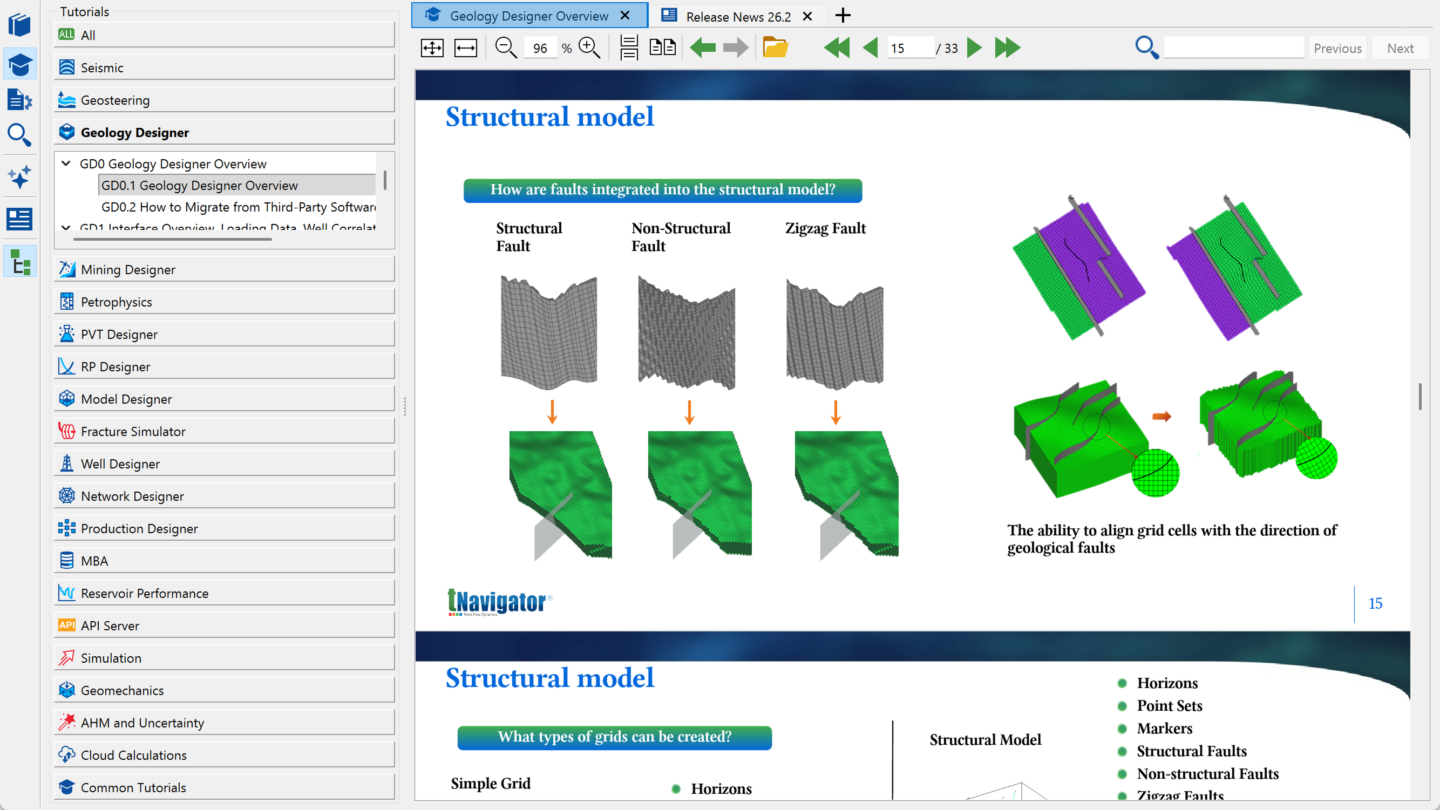
Adviser brings documentation and learning together in one place:

  • Centralised documentation – access manuals, tutorials and release notes for every tNavigator module in one place.
  • In-software, context-aware access – jump straight to the documentation for the calculation or dialog you’re currently using.
  • Global search – search across the entire documentation library from a single box.
  • 200+ step-by-step tutorials – follow guided workflows spanning seismic, geology, simulation, PVT, fracture design and more.
  • Demo data – download datasets for hands-on practice before applying workflows to live projects.
  • Release updates – review slide-based summaries of what’s new in each tNavigator release.

Built Into Every Module

Adviser is available directly inside every tNavigator module:

  • Accessible from Geology Designer, Model Designer, Simulation and every other module in the platform.
  • Keeps documentation and tutorials aligned with the version you’re running.
  • Supports onboarding across every domain profile — geophysics, geology, reservoir engineering, mining and production technology.